Settings Overview
The Settings screen gives you control over your account, notifications, appearance, AI configuration, and more.
Accessing Settings
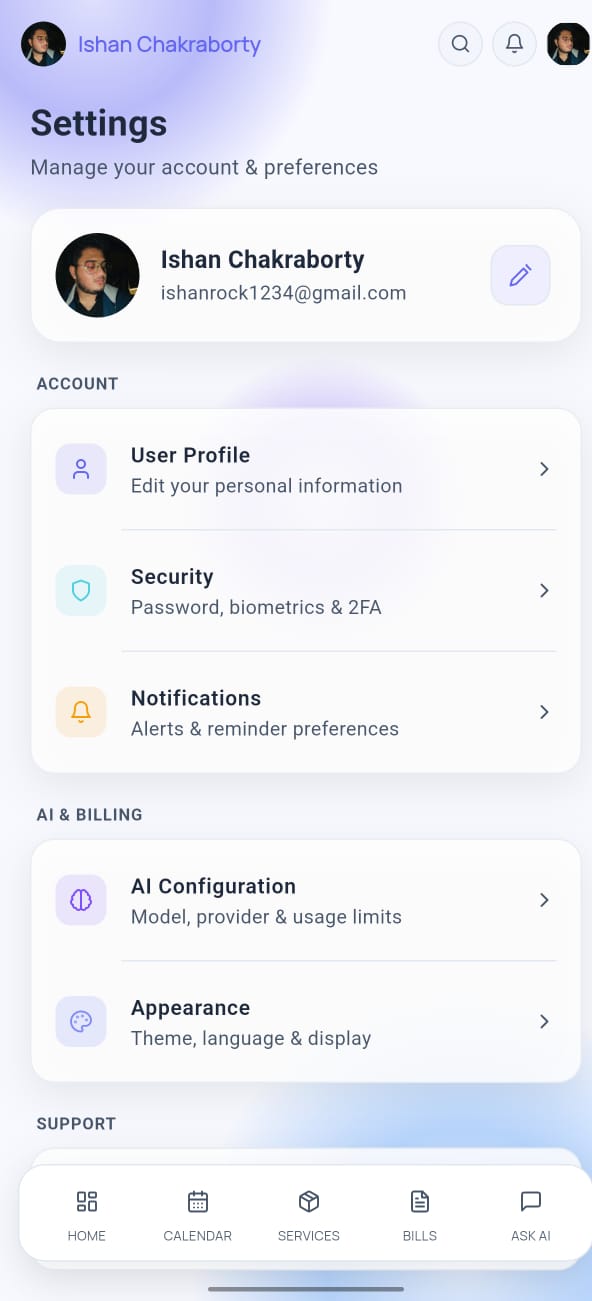
Tap the profile icon (top-right of the Home screen) or navigate to Settings via the menu. The Settings screen is organized into sections:
- Account — Profile, email, password
- Notifications — Push notifications and alerts
- Appearance — Dark/light mode, theme
- AI Configuration — Provider, API key, model
- Security — Password, delete account
- Support — Help, feedback, about
Sign Out
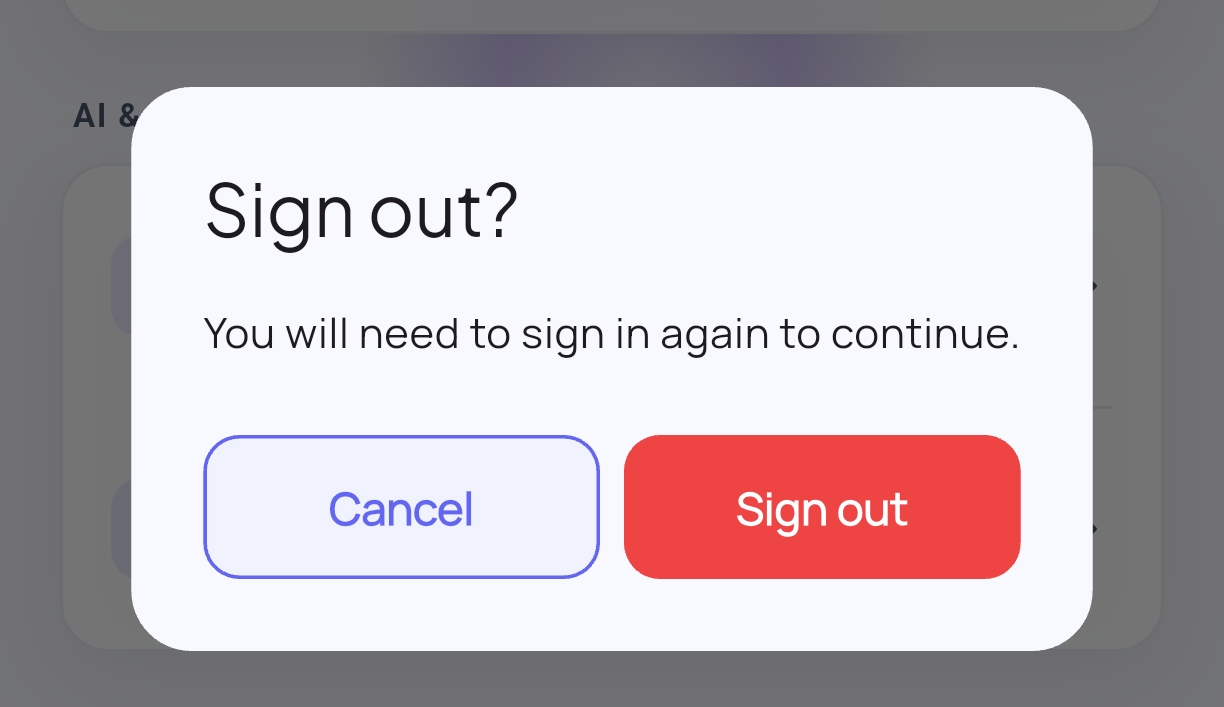
To sign out:
- Open Settings.
- Scroll to the bottom and tap Sign Out.
- Confirm in the dialog.
You'll be taken back to the login screen. Your data remains saved in the cloud and will be available when you sign back in.
info
Signing out does not delete your data. To permanently delete your account and all data, see Security Settings.