Ollama (Local AI) Setup
Ollama lets you run AI models entirely on your own machine — no API key, no usage costs, and complete data privacy.
Why Use Ollama?
| Feature | Cloud AI (OpenAI/Anthropic) | Ollama (Local) |
|---|---|---|
| Cost | Pay per token | Free after setup |
| Privacy | Data sent to provider | Stays on your machine |
| Speed | Fast (cloud servers) | Depends on your hardware |
| Setup | Just an API key | Requires a Cloudflare Tunnel |
What You Need
- A computer running Windows, macOS, or Linux (not the mobile device itself)
- At least 8 GB RAM (16 GB recommended for larger models)
- Ollama installed on your computer
- A Cloudflare Tunnel to expose Ollama to the internet
Step 1 — Install Ollama
Download and install Ollama from ollama.com.
Once installed, open a terminal and pull a model:
ollama pull llama3.2
Popular models to try:
| Model | Command | RAM Needed | Notes |
|---|---|---|---|
| Llama 3.2 | ollama pull llama3.2 | 4 GB | Fast, good general use |
| Mistral 7B | ollama pull mistral | 8 GB | Good reasoning |
| Llama 3.1 8B | ollama pull llama3.1 | 8 GB | Excellent for Q&A |
| Qwen 2.5 14B | ollama pull qwen2.5:14b | 12 GB | Best quality at home |
Step 2 — Expose Ollama via Cloudflare Tunnel
YesBill's backend needs to reach your Ollama instance. Use a Cloudflare Tunnel to create a public HTTPS URL.
- Install Cloudflare CLI (
cloudflared) from developers.cloudflare.com/cloudflare-one/connections/connect-networks/downloads - Run:
cloudflared tunnel --url http://localhost:11434 - Copy the generated URL — it looks like
https://random-words.trycloudflare.com
tip
The free Cloudflare Tunnel URL changes each time you restart. For a permanent URL, create a named tunnel — see Cloudflare docs.
Step 3 — Configure in YesBill
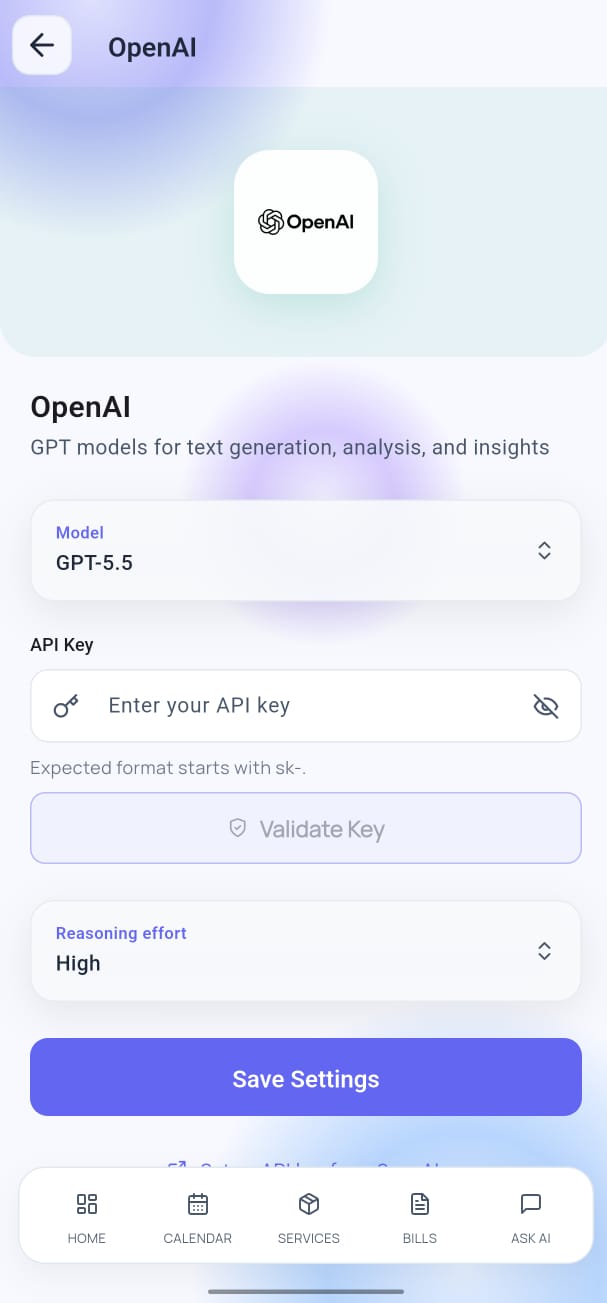
- Open Settings → AI Configuration.
- Select Ollama as the provider.
- Paste your Cloudflare Tunnel URL in the Ollama Base URL field.
- Tap Fetch Models — your installed models appear in the list.
- Select a model and tap Save.
Troubleshooting
| Problem | Solution |
|---|---|
| "Fetch Models" returns nothing | Check that Ollama is running (ollama serve) and your tunnel is active |
| Slow responses | Use a smaller model (e.g. llama3.2 instead of qwen2.5:14b) |
| Tunnel URL not working | Restart cloudflared and update the URL in the app |
| Out of memory errors | Use a smaller model or close other applications |
Security Note
Your Cloudflare Tunnel URL is essentially a public endpoint for Ollama. To keep it private:
- Do not share the URL
- Stop the tunnel when not using YesBill
- Consider adding authentication to
cloudflaredfor long-term use
API key security
Ollama requires no API key. The tunnel URL is stored securely on-device using Flutter Secure Storage.