AI Insights
AI Insights is an intelligent spending summary panel that appears on your Dashboard. It uses your configured AI provider to analyse your bills and deliver actionable observations in plain English.
What AI Insights Does
After each bill generation, the AI analyses your monthly data and surfaces:
- Spending trend — whether your total spend this month is higher, lower, or similar to last month
- Service breakdown — which services cost the most and why
- Delivery pattern notes — e.g. "Milk delivery dropped 4 days in November compared to October"
- Budget alerts — flags services that exceeded a significant portion of your monthly total
- Recommendations — suggestions such as "Consider pausing Service X for a week to reduce costs"
Enabling AI Insights
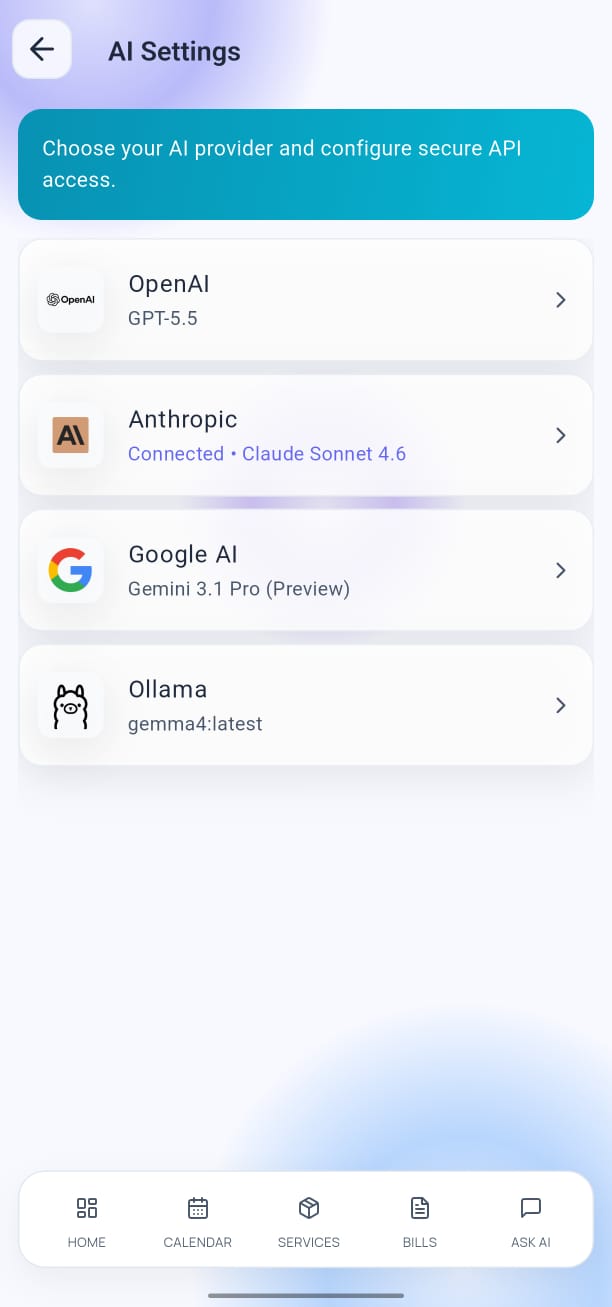
- Open Settings → AI Configuration.
- Toggle Enable AI Insights to ON.
- Return to the Dashboard — the Insights panel appears below your month summary card.
AI Insights refreshes automatically after each bill generation and each time you open the Dashboard while connected to the internet.
AI Insights requires a configured AI provider with a valid API key. See AI Configuration to set one up.
Viewing Insights on the Dashboard
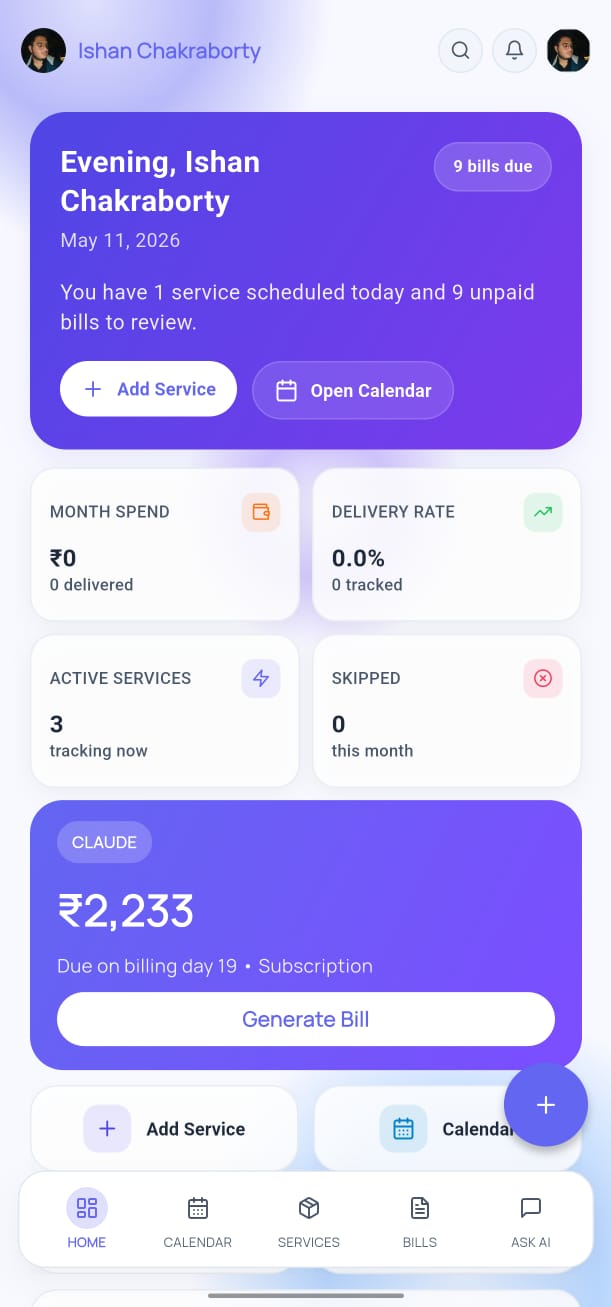
The Insights panel on the Dashboard shows:
- A short headline (e.g. "Spend is up 12% from October")
- Two or three bullet observations
- A See Full Analysis link that opens the detailed AI response
Tap Refresh to regenerate insights at any time.
Privacy
Your bill data is sent to the AI provider you configured (OpenAI, Anthropic, Google AI, or Ollama). YesBill only forwards the data needed to generate the insight — no additional data is shared.
For maximum privacy, use Ollama — your data stays entirely on your device or local network.
See AI Configuration for provider options.