Dashboard Overview
The Home tab is your central hub. It shows key metrics, quick actions, and a snapshot of your recent activity.
Dashboard Layout
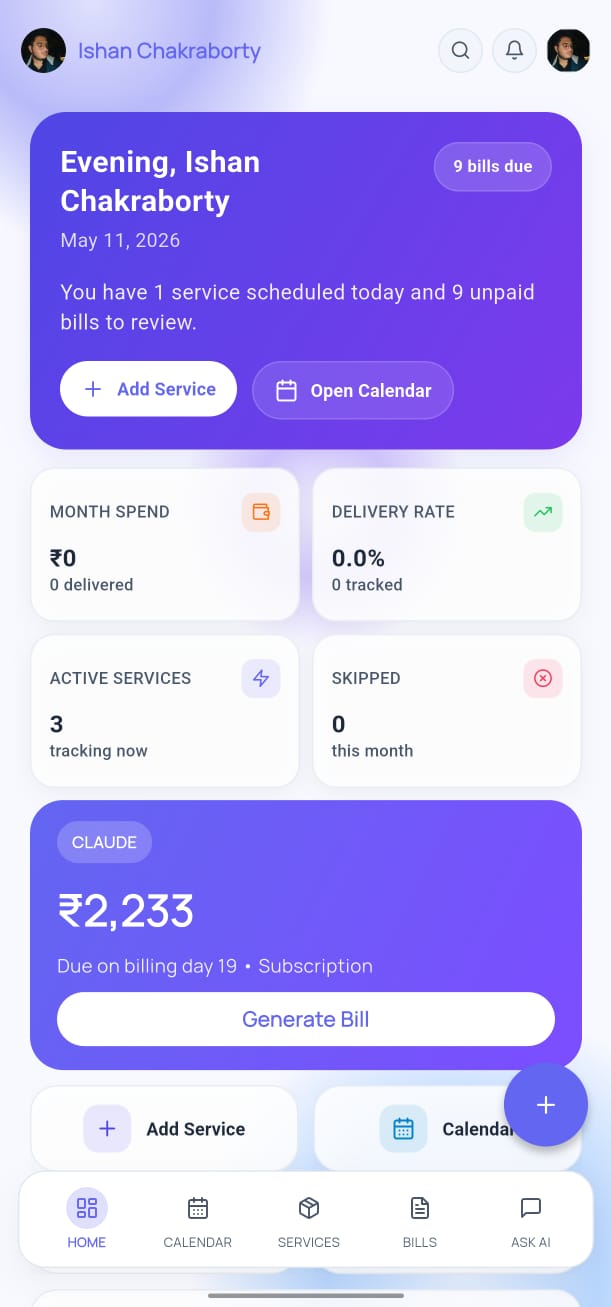
The dashboard is organized into three sections:
KPI Cards (top row)
- Total active services
- Bills due this month
- Amount owed this month
- AI queries used
Quick Actions
- Add Service
- Open Calendar
- Generate Bill
- Ask AI
Recent Activity
- A list of your most recent bill generations, payments, and service changes.
Dark Mode
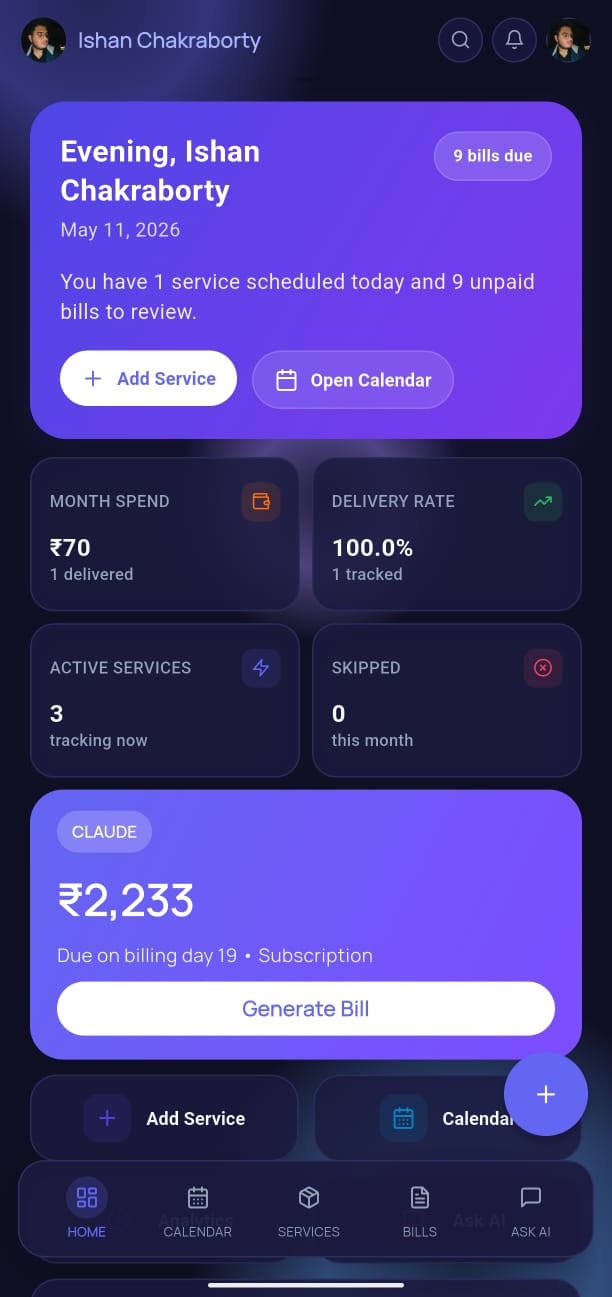
YesBill automatically follows your device's dark/light mode setting. You can also override it in Settings → Appearance.
Search & Navigation
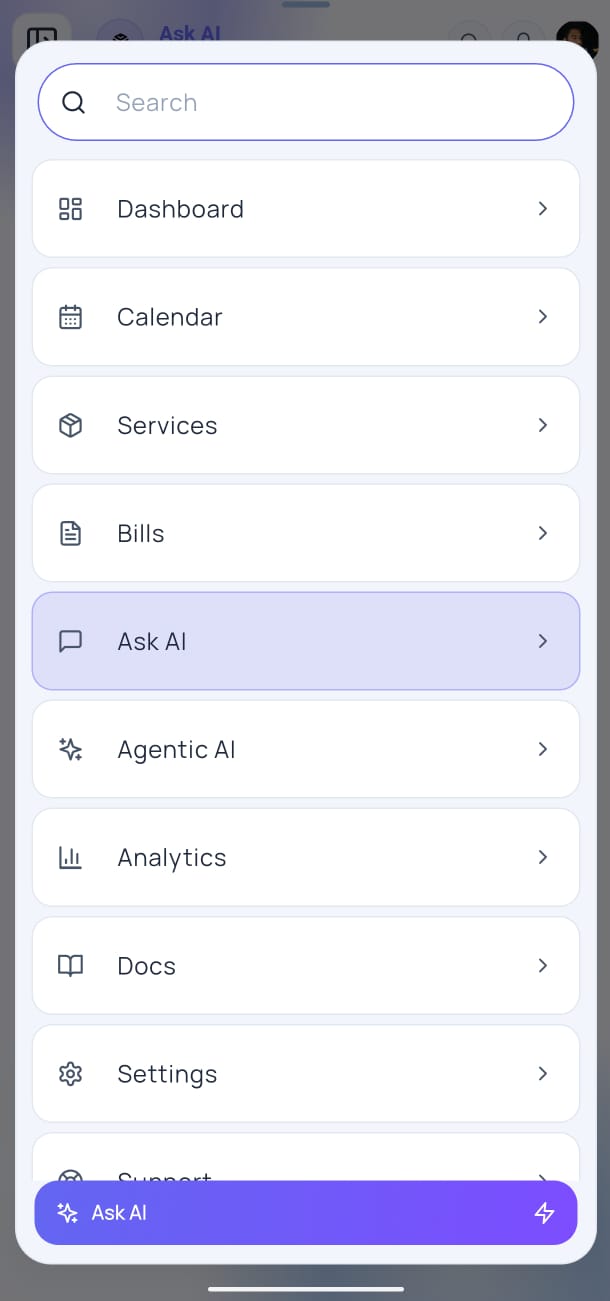
Tap the search icon (top-right of the Home screen) to search across your services and bills by name or amount.
Notifications
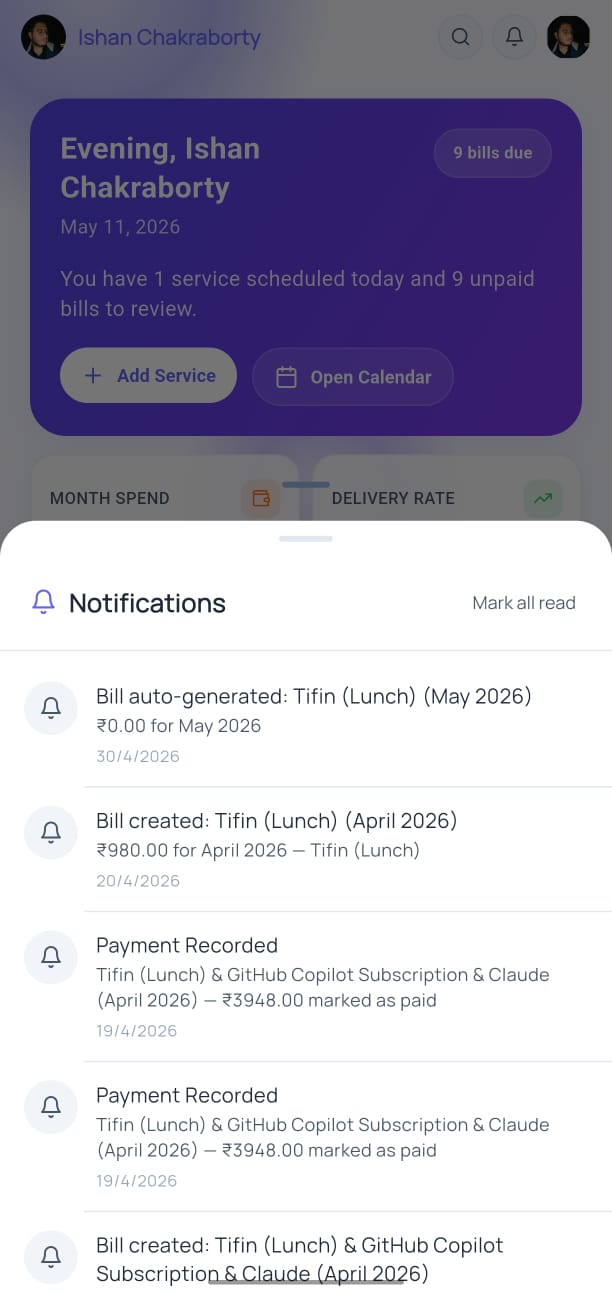
Tap the bell icon (top-right) to view your notification center. Notifications include:
- Bill generation reminders
- Overdue payment alerts
- AI usage milestones
Navigation Bar
At the bottom of every screen, the navigation bar provides instant access to:
| Tab | Icon | Purpose |
|---|---|---|
| Home | 🏠 | Dashboard |
| Calendar | 📅 | Daily tracking |
| Services | ⚙️ | Manage services |
| Bills | 📄 | Monthly bills |
| Ask AI | 🤖 | AI chat |