Help & Support
Get help with YesBill, report issues, or send feedback.
Support Screen
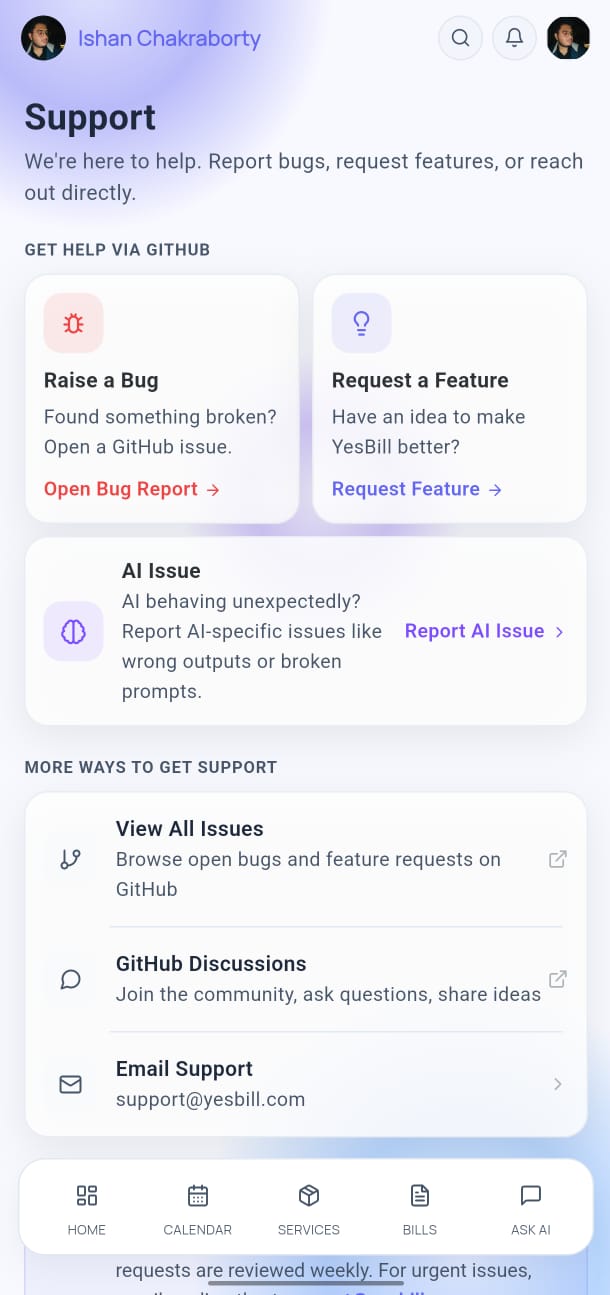
Open Settings → Support to access help resources.
In-App Help
The Help section within Support shows:
- Quick start guide
- FAQs about billing, services, and AI features
- Video tutorials (where available)
Report an Issue
- Tap Report an Issue in the Support screen.
- Describe the problem you're experiencing.
- Optionally attach a screenshot.
- Tap Send Report.
Your report is sent to the YesBill development team.
Send Feedback
Have a feature request or general feedback? Tap Send Feedback and write your thoughts. We read every submission.
Contact
- GitHub Issues: github.com/ishan96dev/YesBill/issues
- Email: Available from the Support screen in the app
About YesBill
The About section in Support shows:
- App version number
- Build number
- Open source licenses
- Privacy Policy
- Terms of Service
tip
Before reporting an issue, check if there's an app update available — many issues are fixed in newer versions. Check the GitHub Releases page.