Appearance Settings
Customise how YesBill looks on your device.
Appearance Screen
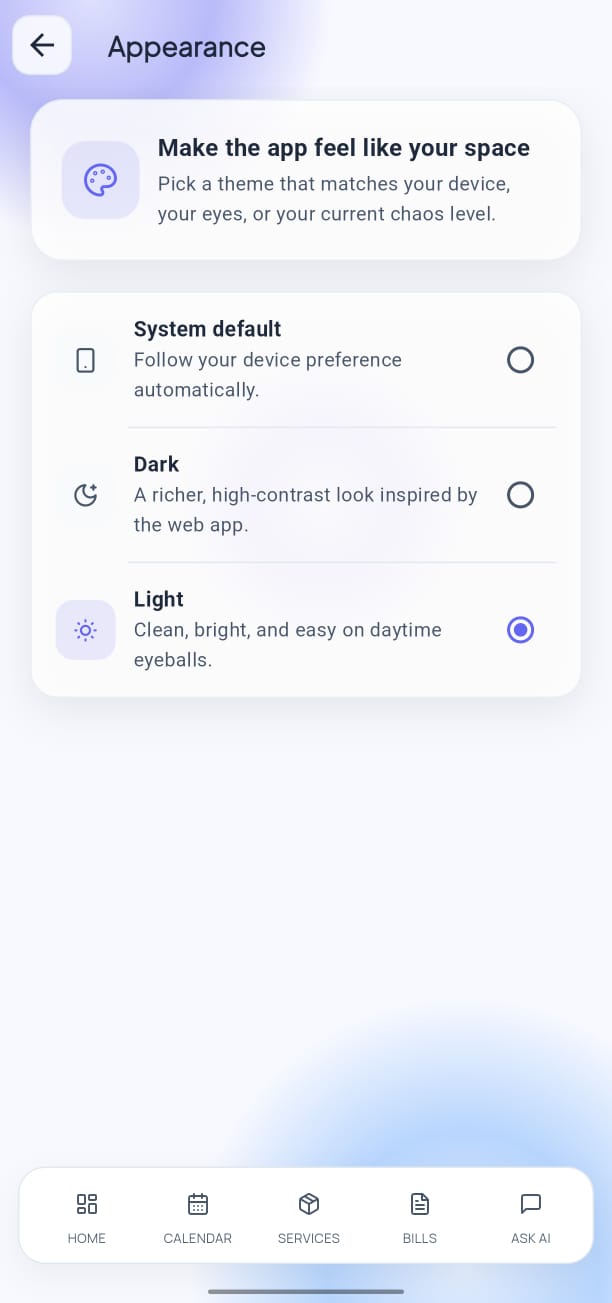
Open Settings → Appearance to access theme and display options.
Theme
Choose how YesBill's interface appears:
| Option | Behaviour |
|---|---|
| Light | Always uses the light colour scheme |
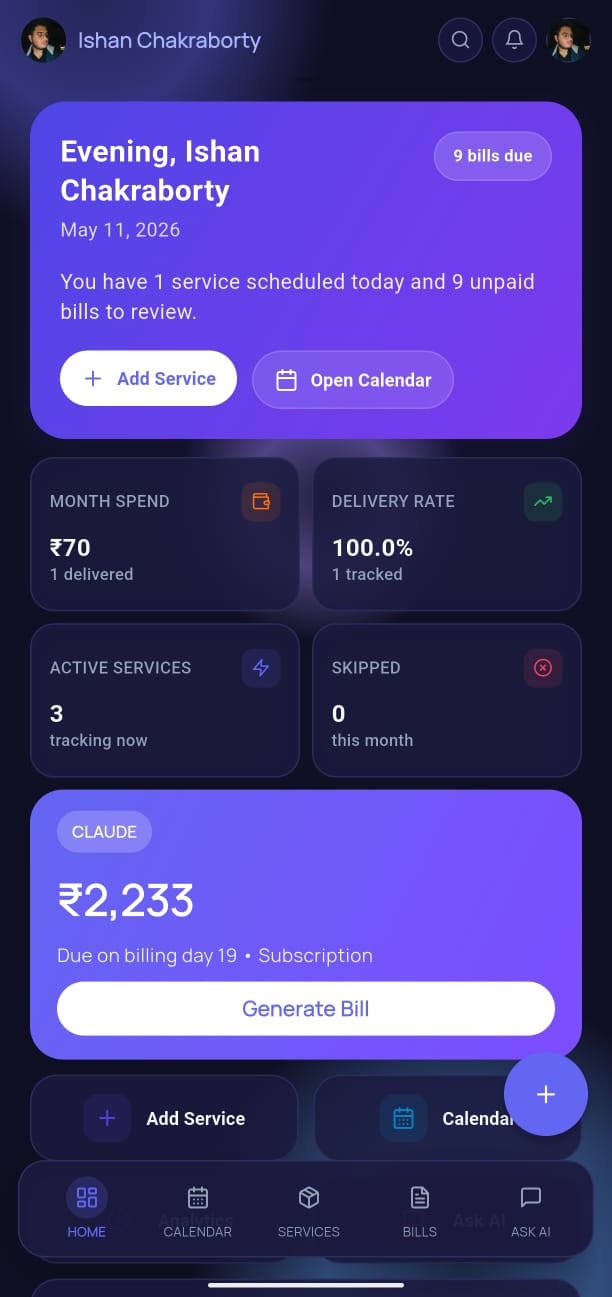
| Dark | Always uses the dark colour scheme |
| System Default | Follows your device's system-wide dark/light setting |
Tap your preferred option and the app switches immediately — no restart needed.
Dark Mode Preview
Tips
- System Default is recommended for most users — the app switches automatically at sunrise/sunset if your device uses automatic scheduling.
- Dark mode reduces battery usage on OLED screens (common on modern Android and iPhone displays).
- All screenshots and bill exports always use the light scheme regardless of your theme preference.