Service Types
YesBill supports 5 types of household services, each with its own billing model and tracking method.
Services Page
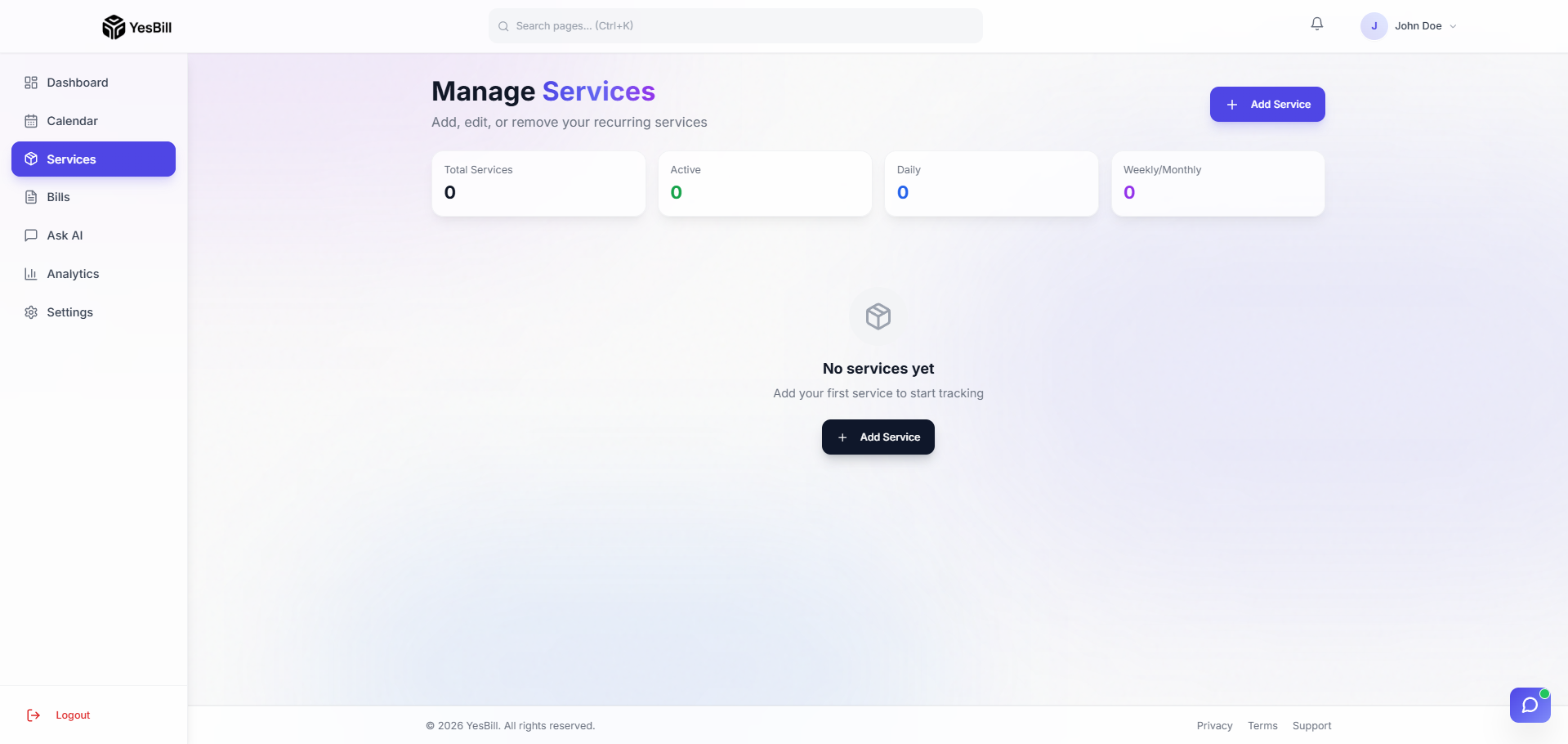
The Services page shows all your configured services at a glance. From here you can add new services, view any service's calendar, or manage and edit existing ones.
Service Cards
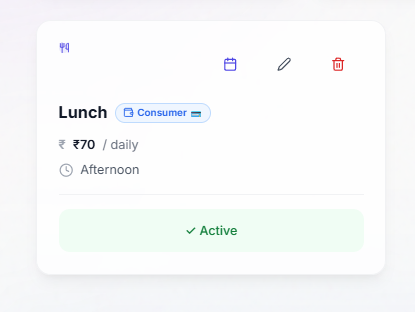
Each service is displayed as a card showing its name, type, rate, and current month's status. Click a card to open that service's calendar view, or use the menu (⋮) to edit or delete it.
The 5 Types
Home Delivery
Daily services delivered to your door. Tracked day-by-day as Delivered or Skipped.
Examples: Milk, newspaper, tiffin, bread, vegetables
Billing: Daily rate × number of days delivered
Visit-based
Services where someone visits your home. Tracked day-by-day as Visited or Missed.
Examples: Maid, cook, driver, gardener, watchman
Billing: Daily rate × number of days visited
Utility
Monthly services that are either active or inactive for the whole month.
Examples: Internet, DTH/cable, electricity (flat rate), piped gas
Billing: Full monthly price if marked Active, ₹0 if marked Inactive
Subscription
Fixed-charge services billed on a specific day each month.
Examples: Netflix, Spotify, Gym membership, OTT platforms
Billing: Fixed price on the billing day, regardless of usage
Payment
Loan repayments or credit obligations tracked monthly.
Examples: EMI, credit card minimum due, personal loan
Billing: Fixed amount due on the billing day
Comparison Table
| Feature | Home Delivery | Visit-based | Utility | Subscription | Payment |
|---|---|---|---|---|---|
| Day-by-day tracking | Yes | Yes | — | — | — |
| Monthly toggle | — | — | Yes | — | — |
| Fixed monthly charge | — | — | — | Yes | Yes |
| Language | Delivered/Skipped | Visited/Missed | Active/Inactive | Paid/Unpaid | Paid/Unpaid |
Tips
- For a service that comes some days but not every day (e.g. a part-time maid), use Visit-based
- For a flat ₹500/month internet connection, use Utility — toggle it Active when the connection is active
- For an EMI that is ₹7,500/month due on the 5th, use Payment with billing day = 5