Your Dashboard
After onboarding, the Dashboard is the first screen you see every time you log in. It gives you a high-level summary of your household spending and upcoming bills.
Dashboard Overview
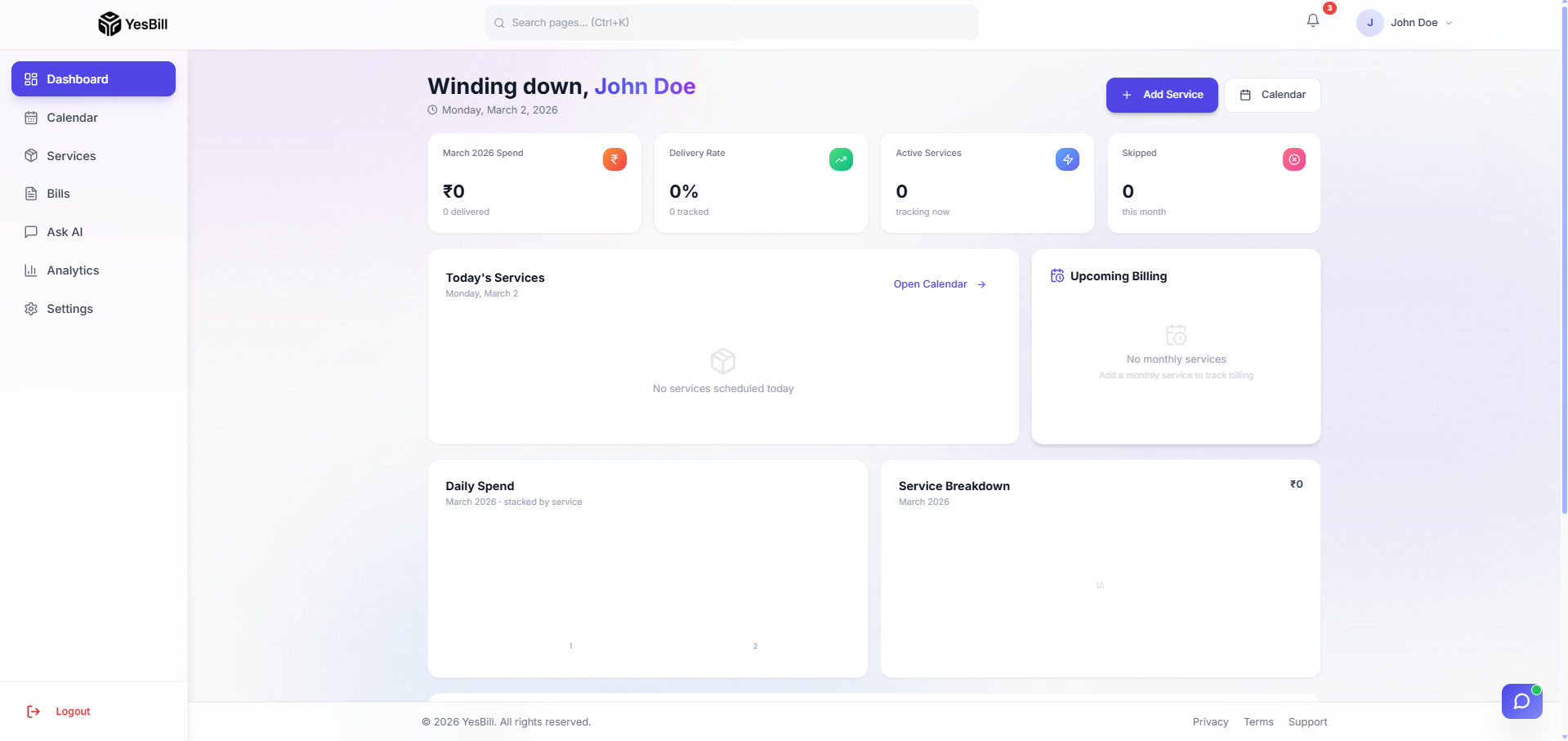
The Dashboard is your command centre for everything in YesBill. It surfaces the most important information at a glance so you always know where things stand.
Updated Dashboard
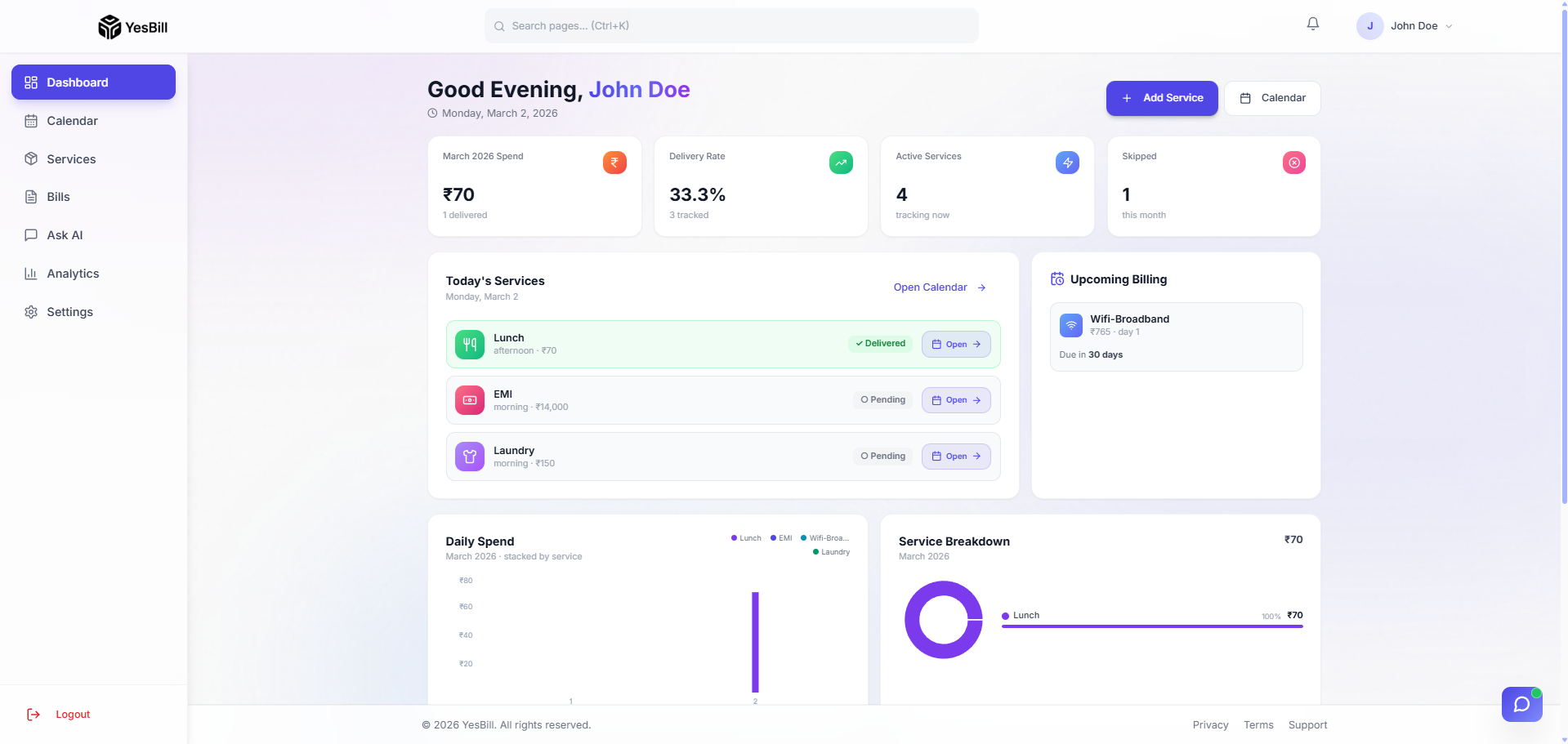
As you add more services and track more months, the Dashboard becomes richer — showing trends, recent activity across multiple services, and smarter AI-powered insights.
What's on the Dashboard
Key Metrics (KPI Cards)
The top row of cards shows your most important numbers for the current month:
- Total This Month — Sum of all generated bills for the current month
- Unpaid Bills — Number of bills that haven't been marked as paid
- Services Active — Count of live services being tracked
- Days Tracked — Total number of days marked across all services this month
Recent Bills
A list of the most recently generated bills. Click any bill to open its full detail view.
Services Summary
A quick summary of all your active services with their current month status — useful for a quick sanity check without navigating to the full Services or Calendar page.
Quick Actions
Common shortcuts available directly from the Dashboard:
- Mark Today's Services — Jump to the Calendar for today's date
- Generate Bills — Trigger bill generation for the current month
- Ask AI — Open the Ask AI chat from the Dashboard
Navigation
Use the sidebar on the left to navigate to all sections of the app:
| Section | What It Does |
|---|---|
| Dashboard | This overview screen |
| Calendar | Day-by-day service tracking |
| Services | Manage your service list |
| Bills | View and pay your bills |
| Analytics | Charts and spending trends |
| Ask AI | Natural language queries |
| Settings | Profile, notifications, security |
Bookmark the YesBill app URL so you can open it quickly each morning and mark yesterday's services in under 30 seconds.