Calendar
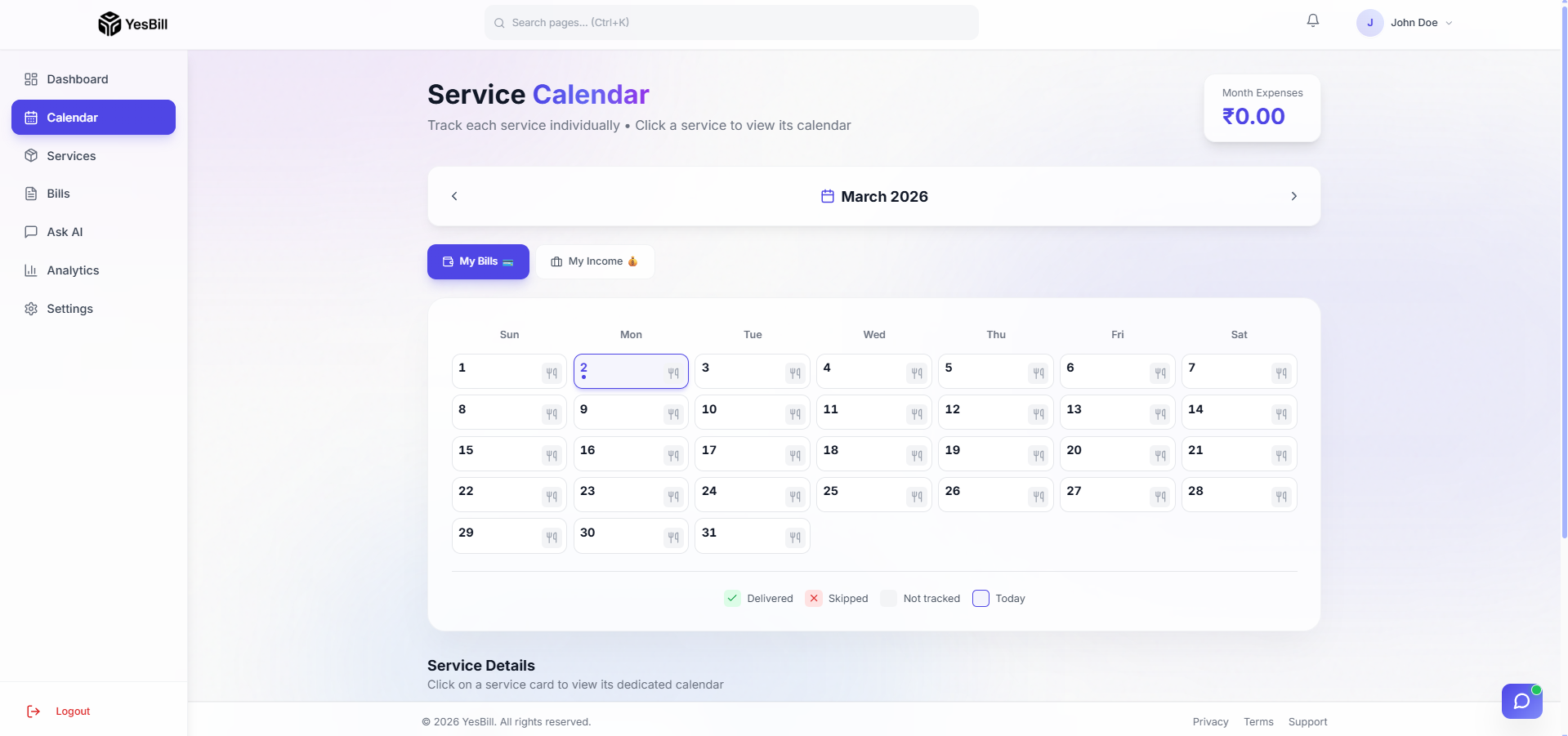
The Calendar is YesBill's primary tracking interface. It shows all your active services in a monthly grid and lets you mark each day's status.
Views
Monthly Calendar View
The default view shows all services in a grid of days. Each service has a row, and each day has a status indicator:
- 🟢 Delivered / Visited — Service was received/provided
- 🔴 Skipped / Missed — Service did not happen
- ⬜ Pending — Not yet marked (default)
- 🔵 Paid — Bill is paid (for subscription/payment types)
Weekly Calendar View
Switch to the Weekly tab to see a condensed 7-day view. This is useful for a quick check of the current week without the visual noise of the full month.
Service Calendar (Per-Service View)
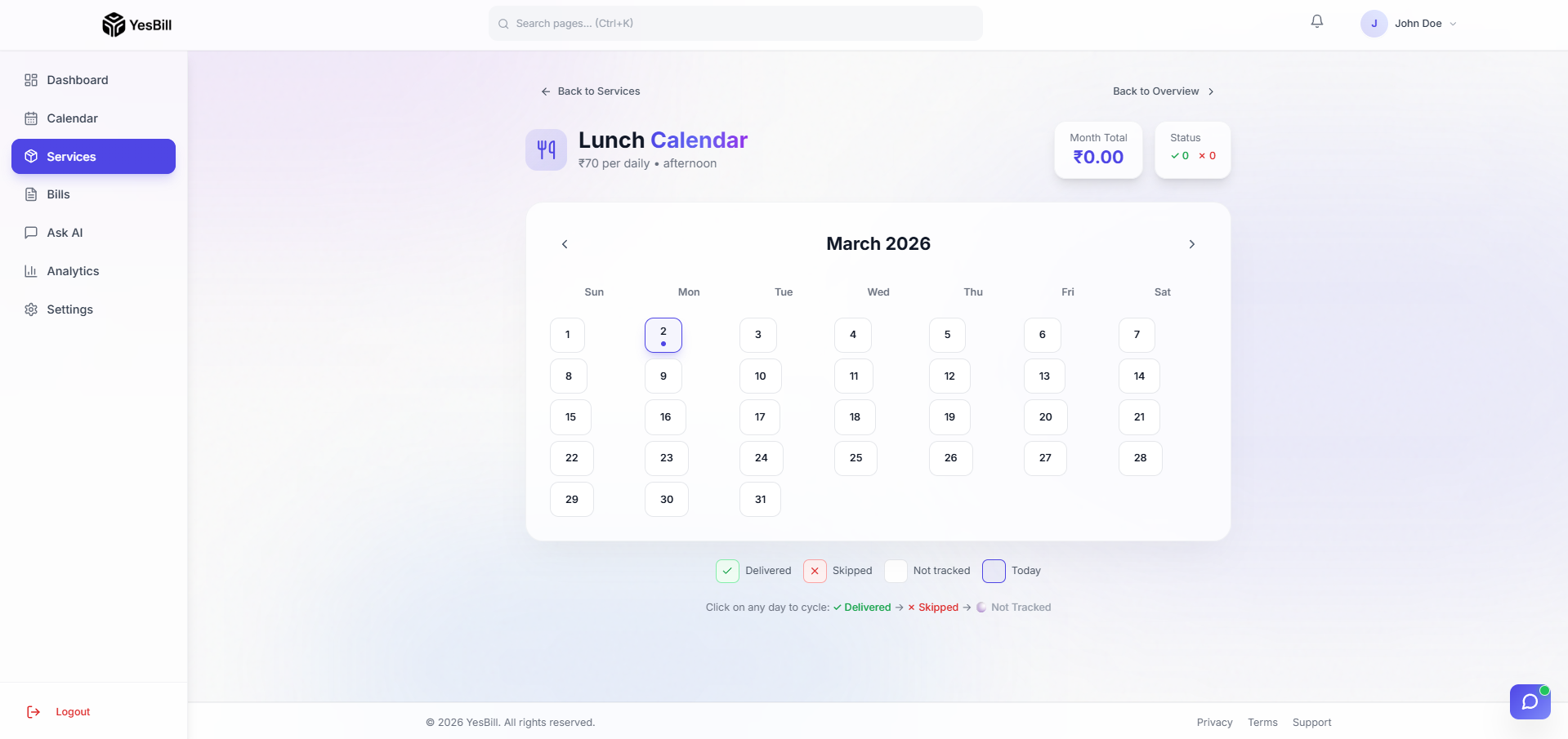
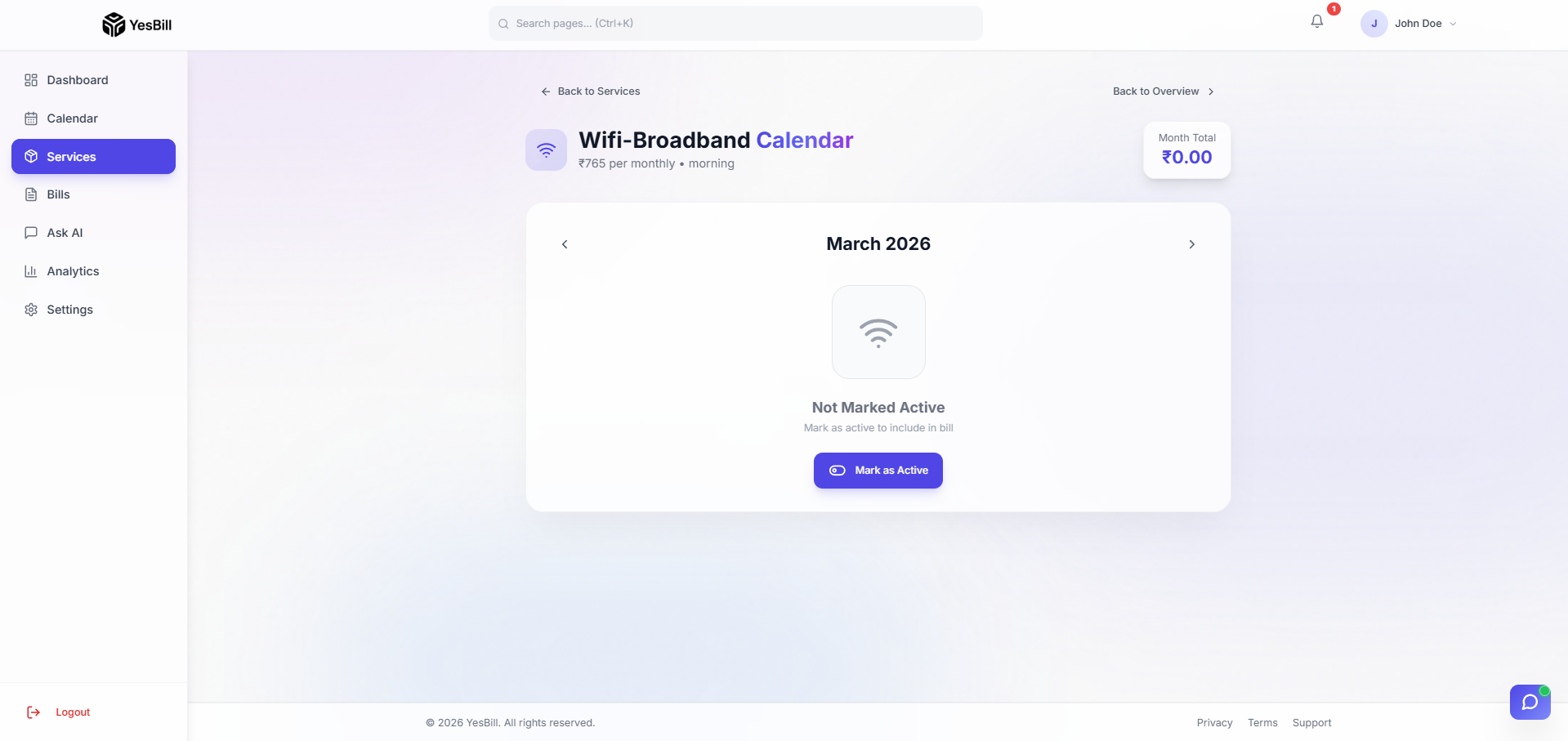
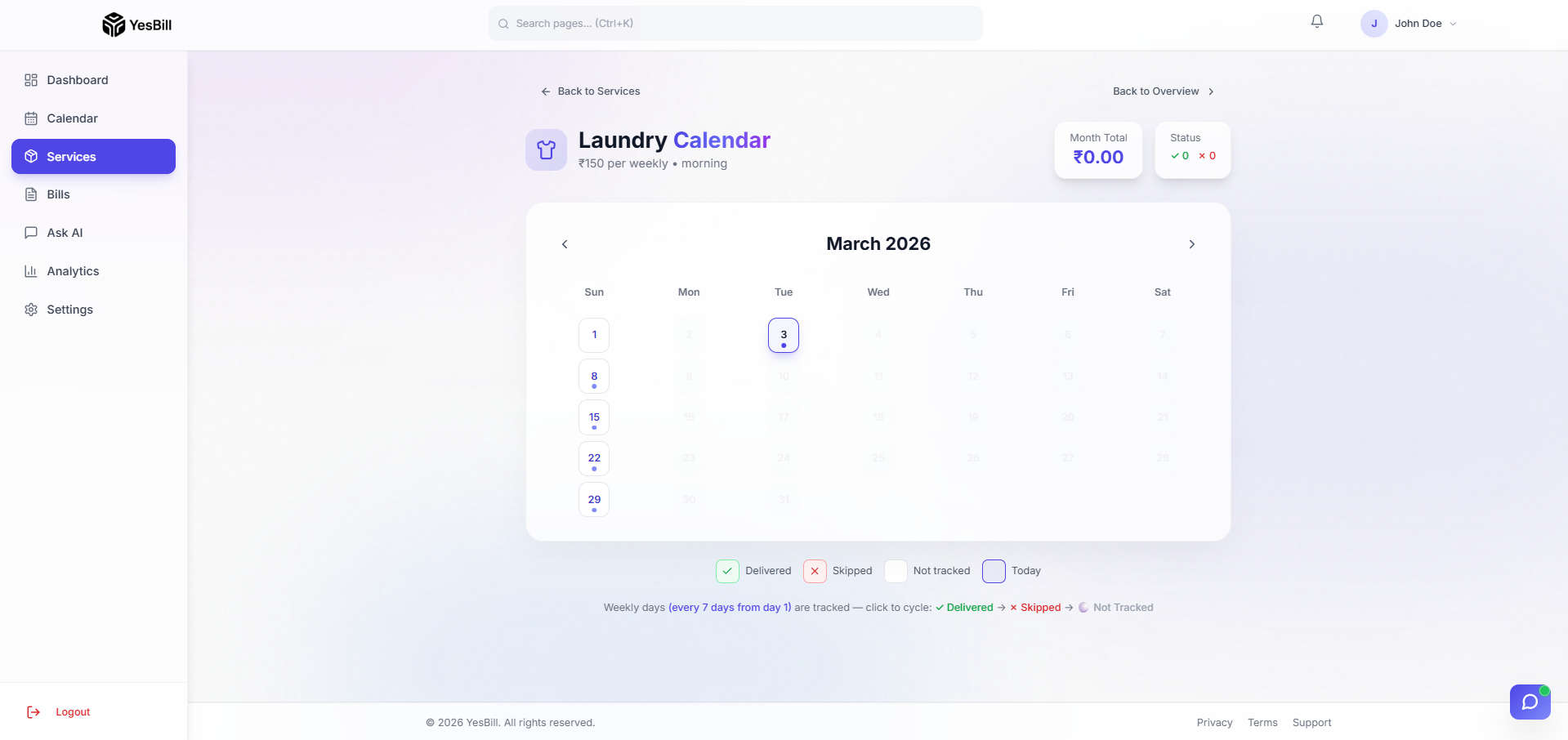
Click on any service name to open its dedicated calendar page with:
- Day-by-day attendance grid (for delivery/visit types)
- Monthly active toggle (for utility types)
- Billing day card with payment status (for subscription/payment types)
- Yearly view — 12-month paid grid overview
Service Details Panel
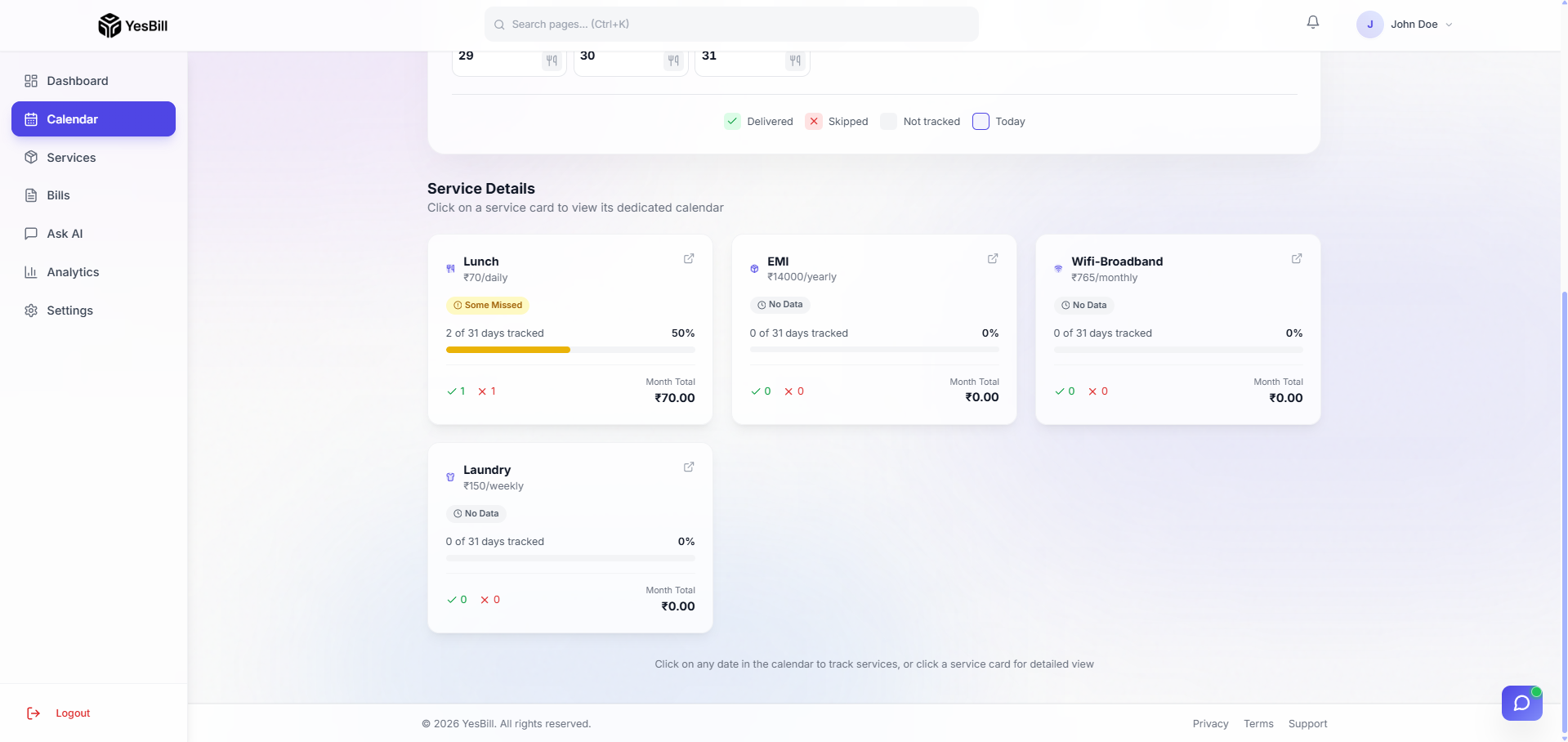
Within the service calendar, clicking a specific day or the service details section opens a Service Details panel that shows:
- Service name, type, and daily/monthly rate
- Current month's tracking summary (days delivered, days skipped, pending days)
- Total bill amount accrued so far this month
- A direct link to the full bill for this service
Navigation
- Use the ← → arrows to move between months
- Click Today to jump to the current month
- Use the service filter to show/hide specific services
Tips
- Mark yesterday's status first thing in the morning — it takes 5 seconds
- Use the keyboard shortcut
Dfor Delivered andSfor Skipped (when a day is focused) - The calendar remembers your scroll position when you navigate between months