Bill History
YesBill keeps a full history of all your bills so you can look back at any month's expenses.
Browsing History

- Go to Bills in the sidebar
- Use the month/year selector at the top to navigate to past months
- All bills for that month are listed below
Each past bill card shows the service name, billing period, total amount, and paid/unpaid status.
Filtering Bills
Use the filters to narrow down:
- By status: Paid / Unpaid / All
- By service: Show bills for a specific service only
- By type: Filter by service type (Home Delivery, Subscription, etc.)
Bill Detail View
Click any bill to see the full breakdown:
- Line items for each day (for tracked services)
- AI-generated summary (if available)
- Payment details (method, note, date paid)
- Bill generation timestamp
Export & Download
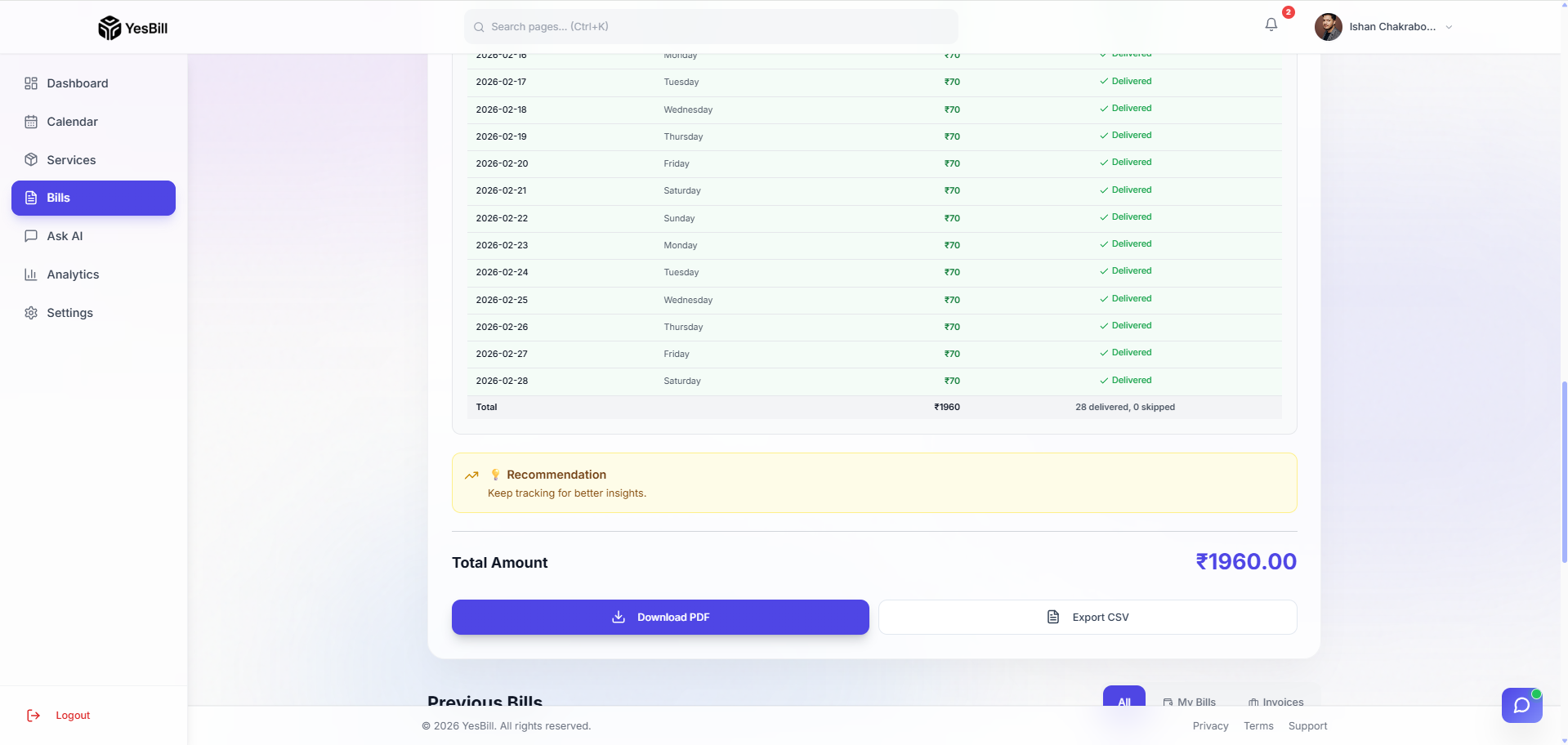
You can download any bill as a PDF or CSV file directly from the bill detail view.
How to Export
- Open any bill from the Bills page
- Click the Download or Export button (top right of the bill)
- Choose your format:
- PDF — formatted bill document, ready to share with your vendor or accountant
- CSV — raw data export, useful for importing into spreadsheets
- The file downloads to your device automatically
tip
Use PDF exports to settle disputes with vendors — it includes a timestamped breakdown of every tracked day.
Tips
- Use Ask AI to query history in plain English:
- "How much did I spend on tiffin in November?"
- "Which months did I pay my internet bill late?"
- "Total household spend in Q1 2026?"
- The Analytics dashboard shows monthly spend trends as charts
Data Retention
All bill data is retained as long as your account exists. Your history is always available when you sign in.