Yearly View
The Yearly View gives you a 12-month snapshot of your bill payment history for a service.
Accessing the Yearly View
- Click any service name in the sidebar or Calendar view
- On the Service Calendar page, click the Yearly tab at the top
What You See
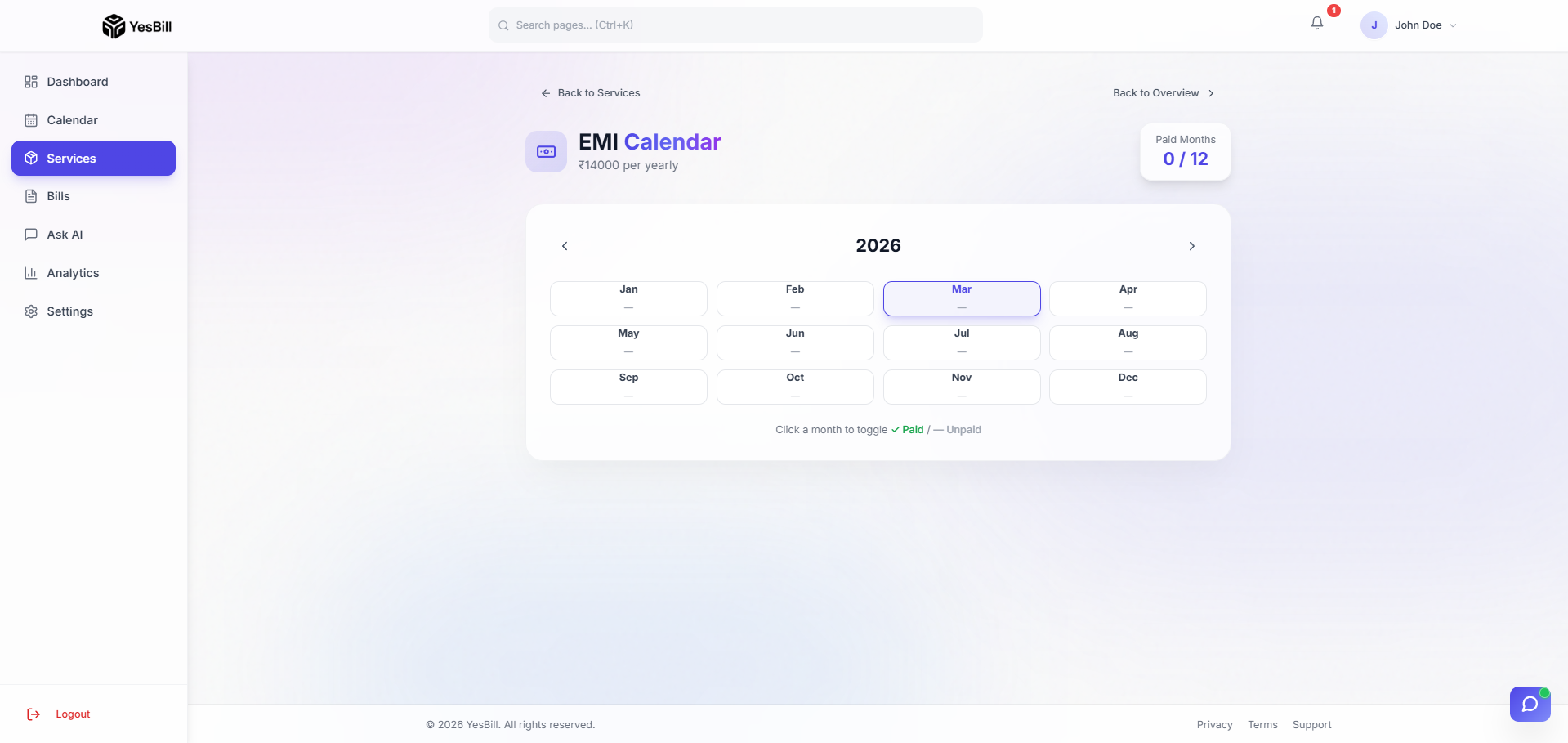
A grid of all 12 months with colour-coded payment status:
| Colour | Status |
|---|---|
| 🟢 Green | Bill paid |
| 🔴 Red | Bill unpaid or overdue |
| ⬜ Grey | No bill generated yet |
Use Cases
- EMI tracking: Verify you haven't missed a single loan payment
- Subscription review: See which months a streaming service was paid
- Annual audit: Quickly spot any unpaid bills from the year
- Expense history: Get a bird's eye view of the year's spending
Tips
- Click any month cell to jump to that month's bill detail
- The yearly view is especially useful for Payment and Subscription types where you want to verify payment continuity