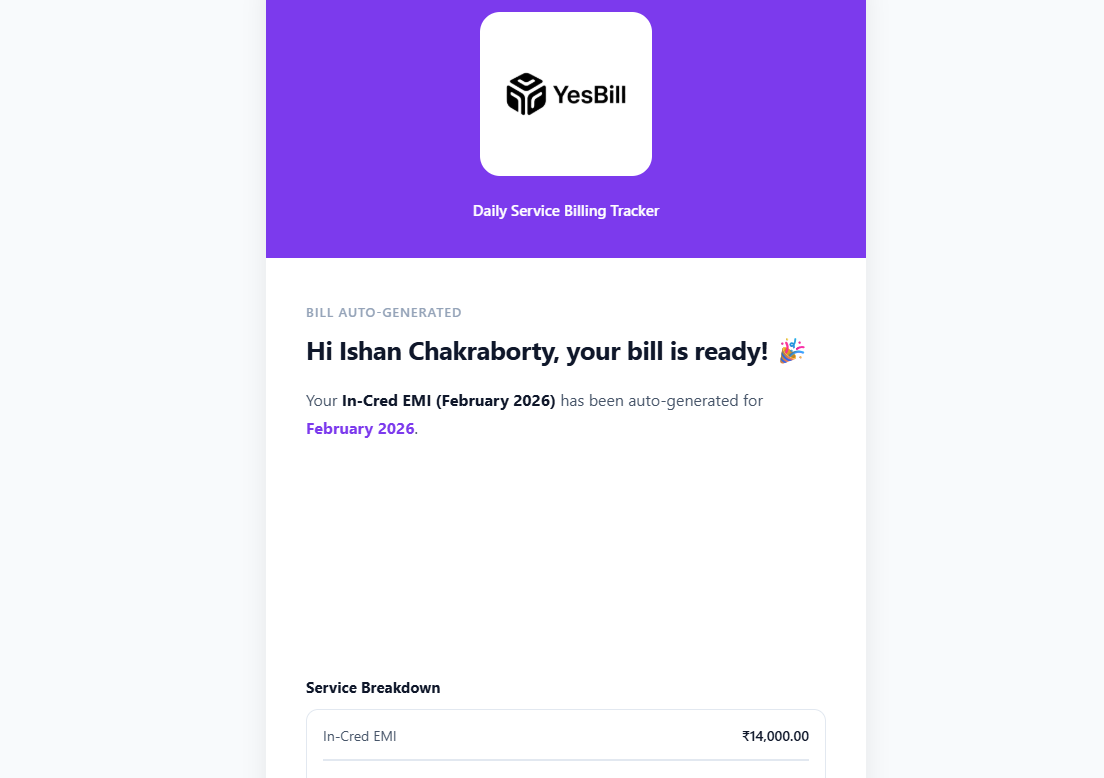
Auto Bill Generation
YesBill can generate bills automatically at month-end, or you can trigger generation manually whenever you need.
Generating a Bill
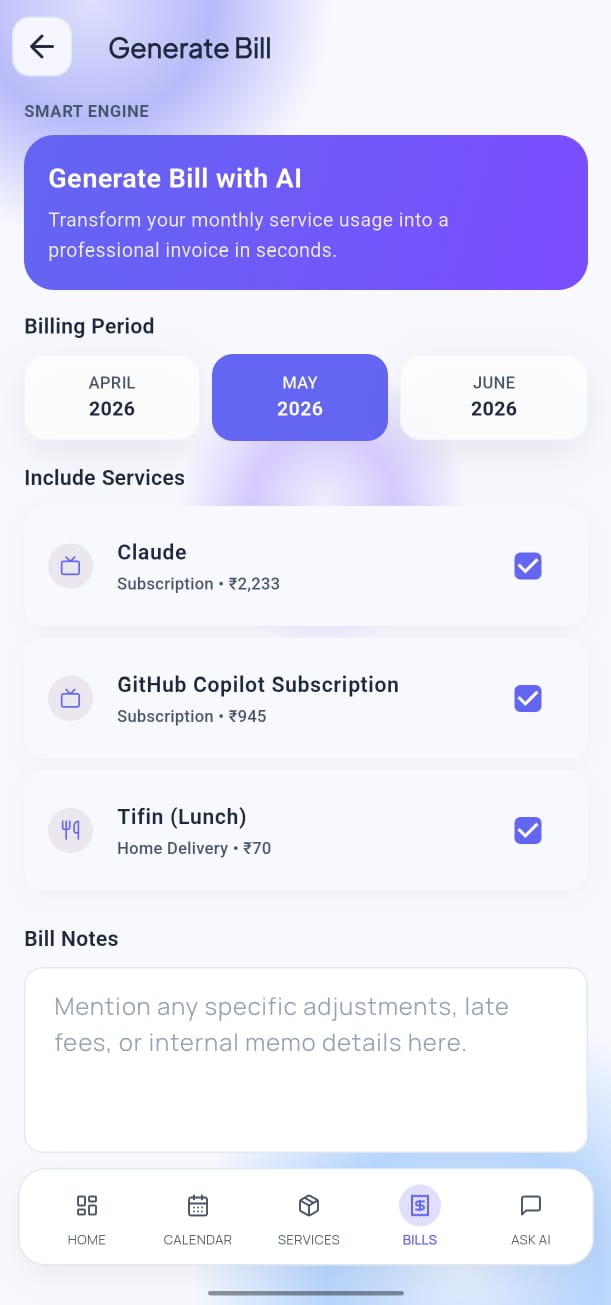

- Tap Bills in the bottom navigation bar.
- Tap the Generate Bill button (or the + icon).
- Select the service and billing month.
- Review the preview showing the calculated total.
- Tap Generate to confirm.
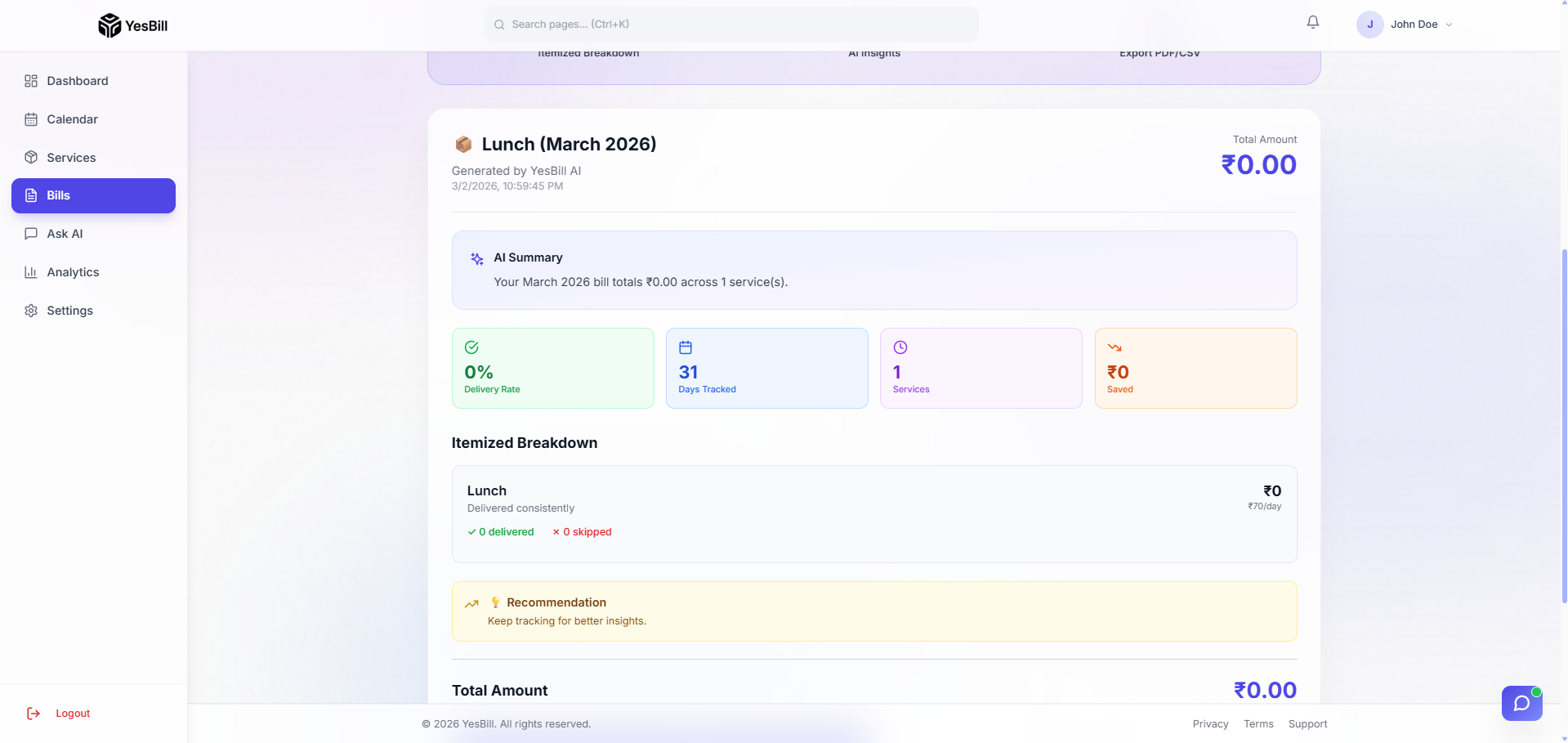
The bill is added to your Bills list instantly.
Automatic Monthly Generation
YesBill schedules automatic bill generation at the end of each month. You'll receive a notification when bills are ready.
tip
Make sure all calendar marks for the month are complete before the auto-generation runs, or trigger it manually after you've finished marking.
AI-Assisted Bill Generation
If you have an AI provider configured, you can use the AI Generate option:
- Tap Ask AI from the bottom navigation bar.
- Type something like: "Generate bills for all services for this month"
- The AI agent will generate bills for all services with a single confirmation.
See AI Agent Chatbot for more on what the AI can do.
Email Notification
After bills are generated, YesBill sends an email summary to your registered address with a PDF-style breakdown of all services for the month.